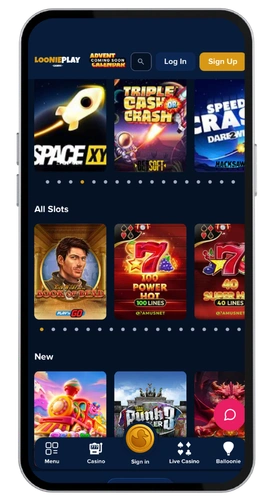
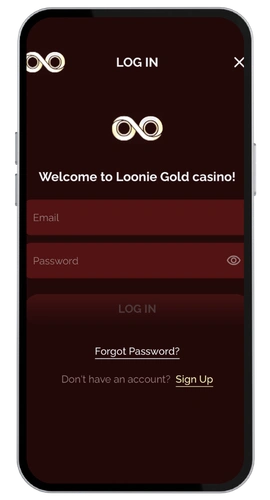
Playing on an iPhone or iPad? Here is how to install the LoonieGold casino app on your iOS device:
- Open the App Store on your iOS device.
- Type “LoonieGold Casino” into the search box and tap search.
- Tap “Get” and enter your Apple ID or confirm as requested.
- Tap “Open” after the app installs on your iPhone or iPad.
The iOS app is optimized for a seamless user experience on iPhones and iPads. The download happens in seconds. The app loads quickly, and the games look great. All of the slot games, free spins, live dealer games, and sports betting options are the same as on desktop. If you need to troubleshoot your install, our 24/7 Priority Support team is always accessible through live chat.
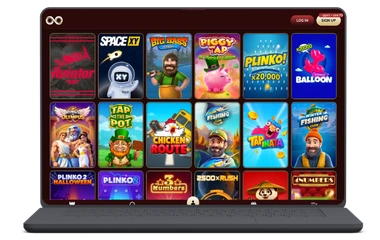
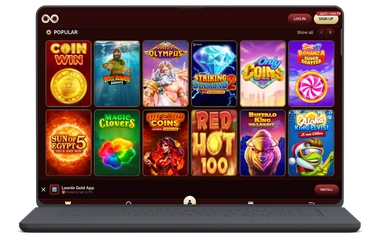
If you are on a Mac or PC, you just need a browser to access the casino. Open the LoonieGold Casino website and it loads as a full desktop page. All the games work that way. The desktop site is fully optimized for MacOS and Windows, and is compatible with all major browsers including Chrome, Firefox, Safari, and Edge.
Mac users get a particularly smooth experience. The site looks great in Safari and runs well on MacBooks, iMacs, and Mac Minis. Game providers like Gamzix, Bgaming, and Caleta run without lag. The pace is fast, and you can access every game category from your desktop — live casino, slots, sports betting, and more. You can even bookmark the casino in your browser for instant access.